Speedrun render guide for Bella on Azure

Microsoft Azure offers by-the-hour rentals of virtual machines (vm) . The same cloud computing resources used by Fortune 500 companies is readily available to anybody with a credit card. This guide is a curated tour to render this orange juice Diffuse Logic scene file with a speedrun mindset to act as a gentle introduction to Azure. Other guides will explain things in overwhelming detail.

Summary
You need
- a Microsoft account ( you'll be asked to create one along th eway )
- a web browser
- a credit card
- a phone to receive sms text message
- 10-20 minutes before Bella starts path tracing
You don't need
- any linux experience, just copy and paste
Optional needs
- remember to turn off or destroy your vm's to avoid by-the-hour charges
- check the All Resources Dashboard to see if you left anything on
- protect your Microsoft login or somebody could launch expensive vm's
0:00
Azure
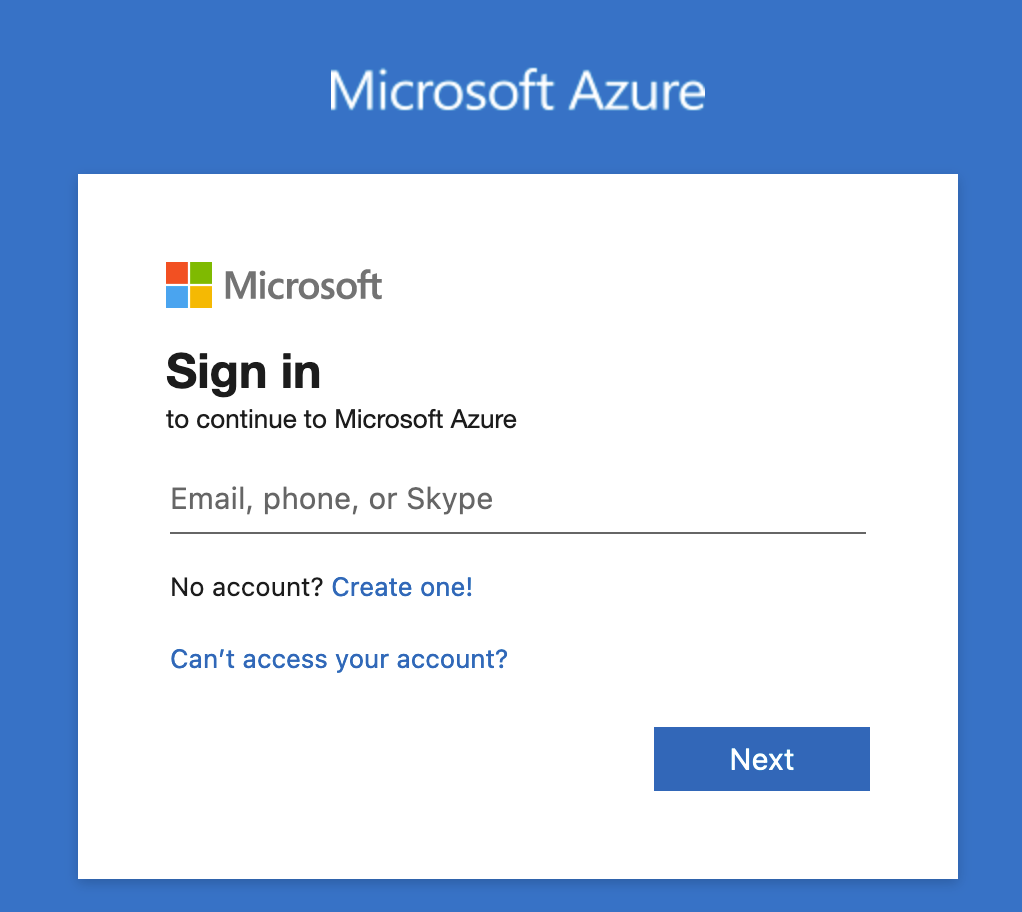
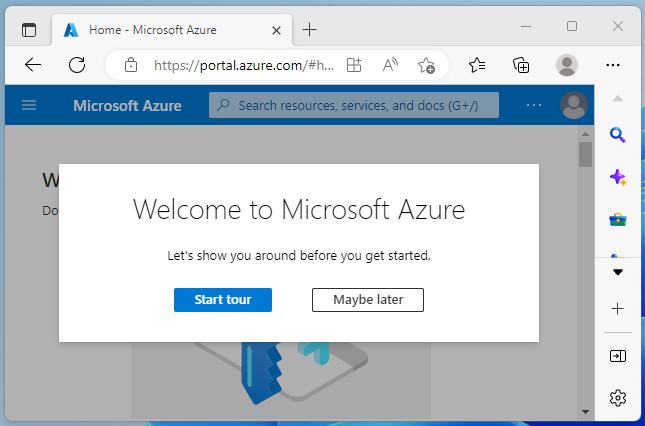
Go to https://portal.azure.com and create a Microsoft account

5:00
You can now deploy ANY Azure resource up to and beyond the limit of your credit card :) For maximum speedrun velocity we shall use command line operations instead of slow human mouse clicks. Our goal is the start a render job in under 10 minutes and while Bella is path tracing we can visit https://portal.azure.com and explore the compute resources that were turned on.
Instead of downloading and installing software specific to your desktop computer's operating system, we'll improve our speedrunning time by just using a cloud computer that Microsoft provisions and you only have to pay for the disk space (USD$0.08/Gb/Month). We'll delete all virtual machines and disk drives after we get our Bella scene rendered to stop incurring charges.
In the Azure dashboard click on the Cloud Shell button
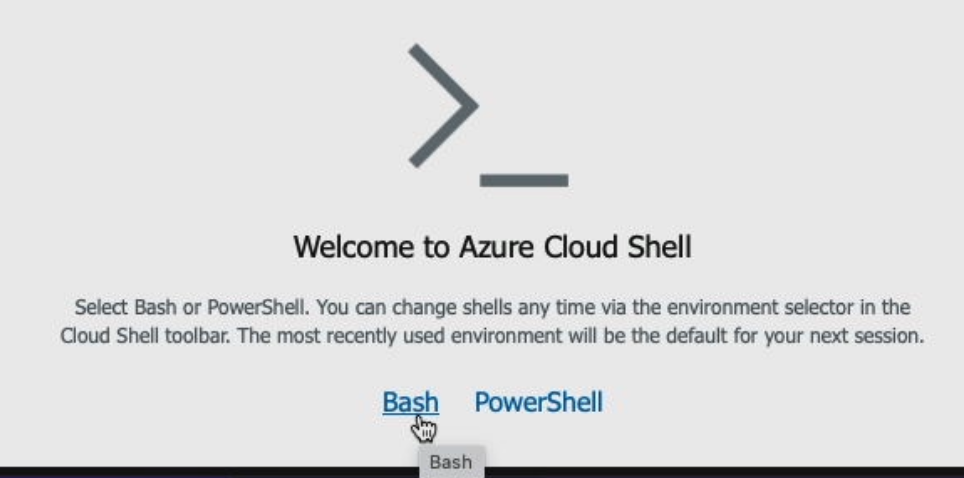
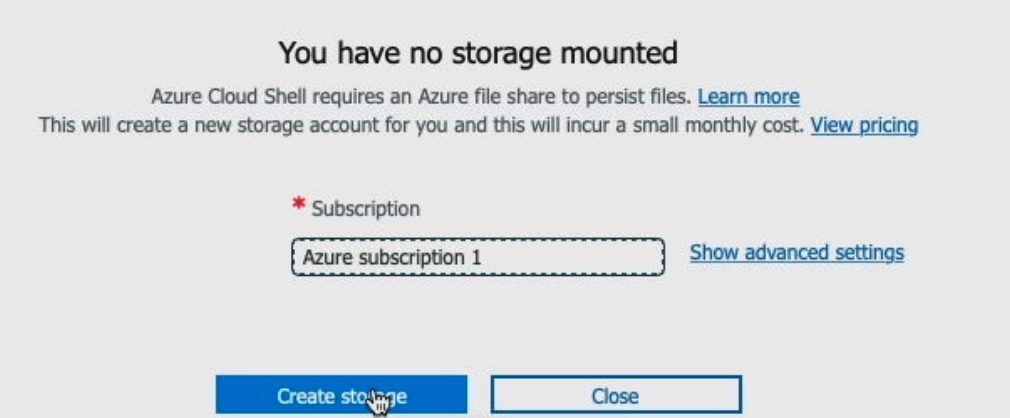
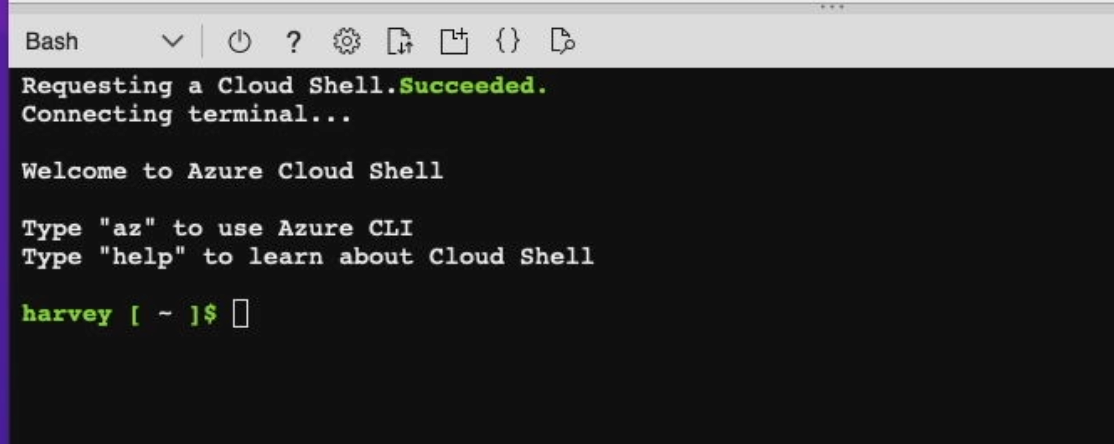
Paste this command into Cloud Shell to establish which datacenter to use
az group create --name rendernode --location westus3
Paste this to create the virtual computer
az vm create --resource-group rendernode --name abellav2 --image Canonical:0001-com-ubuntu-server-focal:20_04-lts-gen2:latest --public-ip-sku Standard --nic-delete-option Delete --generate-ssh-keys --priority Spot --max-price -1 --eviction-policy Delete --size Standard_F2s_v2 --ephemeral-os-disk true
browse all

If you are not worried about somebody stealing your computer and starting 100's of the latest Nvidia GPU's on your credit card to mine cryptocurrency, you don't need to read this last part.
For convenience, azure cli remains authenticated until you logout. If stolen, the authenticated az command, on your computer, can be used to deploy compute resources.
az logout
The same can be said of your azure login at https://portal.azure.com
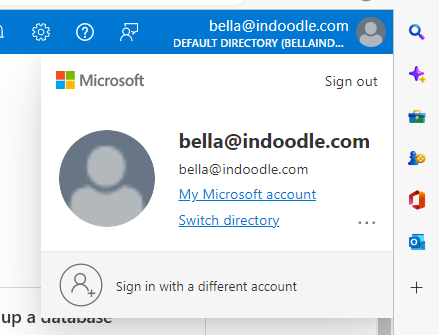
And your Microsfot login